
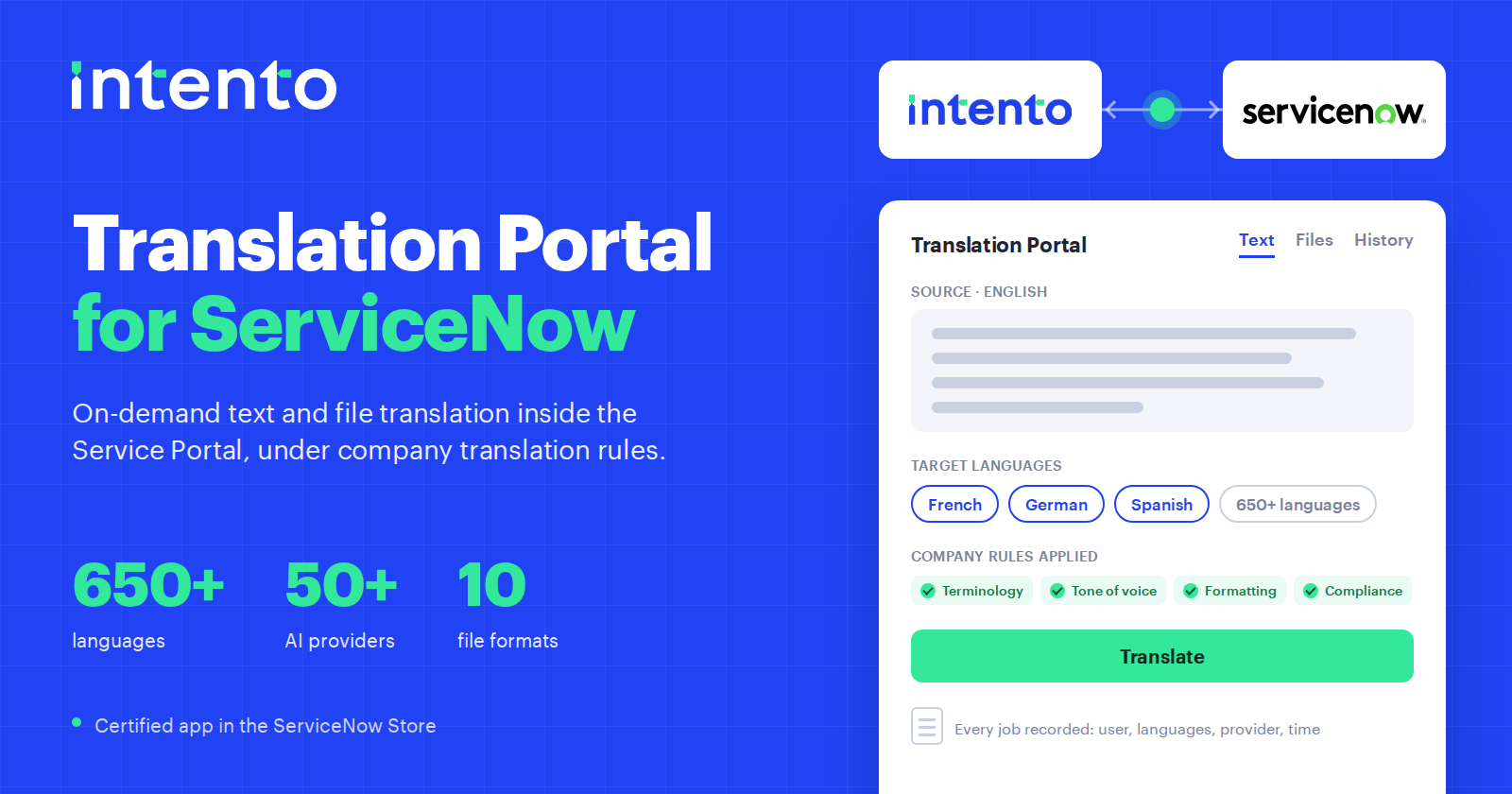
Intento Translation Portal for ServiceNow is live in the ServiceNow Store. Employees can translate text and documents in 650+ languages inside the Service Portal. AI agents check each translation against the company terminology, tone-of-voice, formatting, and compliance rules, while administrators control access to languages and providers and review usage.
The app addresses shadow translation: text and files employees translate outside approved translation workflows. Those requests may bypass company terminology, tone-of-voice, formatting, and compliance rules, with no central record for administrators to review. Our team is happy to show it live.
Blocking a translation website leaves the need for translation unresolved
In September 2017 the Norwegian broadcaster NRK found that Google had indexed text submitted to Translate.com, a free translation website. According to Slator, the exposed material from Statoil included termination letters, employment contracts, staff performance reports, an email exchange with a physician, and workforce reduction plans. Slator lists pharmaceutical companies and investment banks among the other organizations affected.
The Oslo Stock Exchange responded by blocking employee access to Translate.com and Google Translate, as Quartz reported that month.
Employees may still need documents translated after IT blocks a website. Without an approved alternative, they may use another website, ask a bilingual colleague, or file a help-desk ticket. A colleague takes time away from other work, while the help desk may have no translation tool to offer. These requests can bypass translation rules and quality checks even when a ticket records the request.
Translation outside localization workflows can miss company rules
Localization teams maintain glossaries, approved product and feature names, tone-of-voice rules, and wording approved by legal or compliance teams. They configure these requirements in translation tools for content such as websites and help-center articles.
Employee requests in other tools may use different terminology or bypass quality checks. Managing published content does not automatically give the localization team visibility into these requests.
Controlled translation already covers knowledge, chat, forms, and portal pages
Two Intento apps in the ServiceNow Store connect platform content to translation workflows in Language Hub. Intento Language Hub for ServiceNow connects to ServiceNow Dynamic Translation and translates knowledge articles, agent chats, forms, and activity streams. Employees can read articles and exchange support messages in their own languages. Intento Translator for ServiceNow translates Service Portal pages as employees read them and lets them search the knowledge base in their language. Both use the same Language Hub configuration, allowing teams to share glossaries, tone-of-voice rules, and compliance requirements across configured workflows.
ServiceNow also provides the Localization Framework, which produces translated versions of catalog items, forms, portals, and knowledge articles for publication in fixed language versions.
These features translate platform content, including records, conversations, articles, and portal pages. Employees also need to translate text and files directly, without starting a content localization workflow or waiting for someone to publish a translated version.
A translation portal for ServiceNow adds on-demand text and file translation
Employees request translations inside the Service Portal
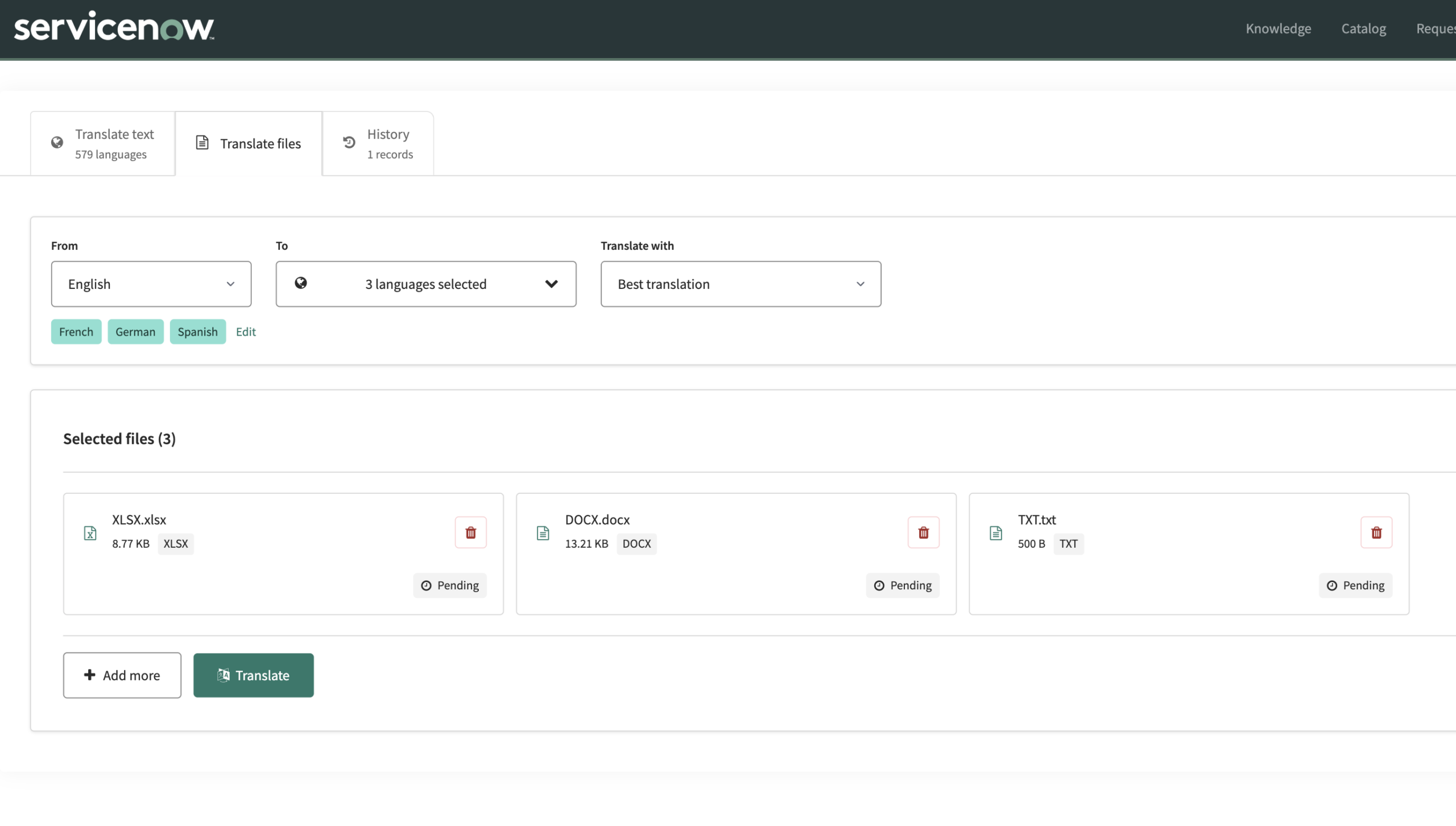
ServiceNow estimates that 23 million employees use its employee portal every month, generating an estimated 40 million-plus cases annually (ServiceNow newsroom, May 5, 2026). Employees already go there to file requests, read knowledge articles, and contact support. The translation portal adds a widget to a Service Portal page. Employees submit text or a file, select target languages, and download the results. They can revisit past jobs in a private translation history. Accepted formats are txt, html, xml, xliff, docx, xlsx, pptx, jpeg, png, and bmp.
Administrators configure translation requirements and access controls
AI agents check translations against the terminology, tone-of-voice, formatting, and compliance requirements configured for the selected workflow, and correct errors before returning the results.
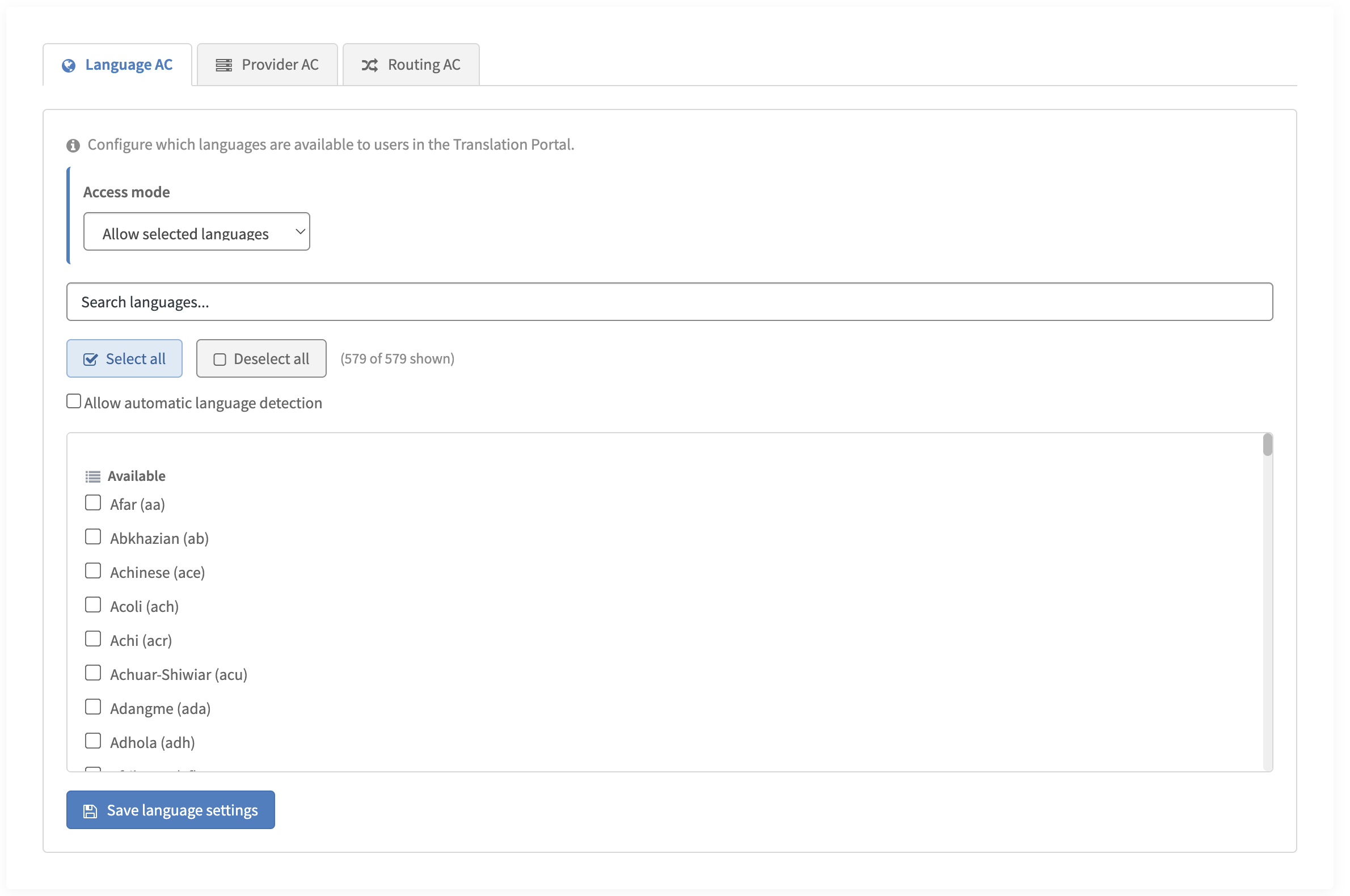
Administrators also control which languages, providers, and routing options employees can select. Routing rules determine which provider handles a request. Administrators configure allow or block lists in the Advanced Configuration widget or through system properties. By default, the filters impose no restrictions.
Teams maintain shared requirements for connected workflows
Teams can maintain glossaries, terminology, and tone-of-voice rules centrally in Language Hub. Portal requests, knowledge articles, and chats can use those shared requirements through the same configuration, alongside translation in other connected systems. Employees don’t need to configure the rules for each request.
Every job leaves an audit trail
The portal records each translation job in a standard ServiceNow list view: the requesting user, date and time, source and target languages, the provider that processed it, character count, processing time, and status. Employees see their own history, while administrators can filter and review usage across the organization using standard ServiceNow list controls.
One upload covers several languages, and scans come back as Word files
Employees upload a document once and select the target languages. They can find each translated file in their history and download all versions together in one ZIP. The portal also accepts scans and photos in BMP, JPG, JPEG, or PNG format and returns the translated text in a Word document, without requiring employees to retype the source text.
Translation covers 650+ languages through 50+ providers
The portal offers translation in 650+ languages through 50+ machine translation and generative AI providers. Whichever provider handles a request, the result is checked against the company terminology, tone-of-voice, formatting, and compliance rules configured in Language Hub.
Employees translate with a user role, without administrator access or access to the API key. A server-side process retrieves the key. The portal interface supports ten languages and follows the language selected in the ServiceNow user profile. The installation and administrator guide explains access and interface settings.
The full description, screenshots, and the Store listing are on the Translation Portal for ServiceNow page.
Localization teams can govern employee translation without handling each request
Localization teams maintain the language requirements in Language Hub and work with IT administrators to select available providers and routing options. Employees submit their own requests through the portal.
Administrators can use the audit log to review requested languages, usage frequency, and providers. That record supports joint oversight by IT and localization, without requiring the localization team to process each translation request.
A portal inside ServiceNow keeps access, rules, and records in one place
Employees translate with the ServiceNow account and role they already have, so there is no second login, no separate user list to maintain, and no new tool to introduce. The terminology, tone-of-voice, formatting, and compliance rules are the ones Language Hub already applies to knowledge articles, chats, and portal pages in the same instance, so a translation requested in the portal comes back consistent with the content around it. Every job is a row in a ServiceNow table, reviewed with the same list controls as the rest of the platform, and the app itself is a certified Store app that ServiceNow has reviewed for security, performance, platform stability, and installation. A standalone translation portal puts the user list, the rules, and the usage log in a separate system that someone has to administer, review, and reconcile with what ServiceNow already holds.
The cost of no decision
Employee translation can consume time without a dedicated budget. Bilingual colleagues may handle requests alongside their own work, and help desks may receive translation tickets without a suitable tool to resolve them. Employees using unapproved websites can also expose company content to data-handling practices the organization has not reviewed. Delaying a purchase leaves these existing practices in place.
In short
- A certified ServiceNow Store app that adds text and file translation to the Service Portal.
- Employees with the application user role can translate without administrator access or access to the API key.
- Administrators configure allow or block lists for languages, providers, and routing options. Filters impose no restrictions by default. Administrators can review usage across the organization.
- The portal records each job with the requesting user, date and time, languages, provider, character count, processing time, and status in a standard list view.
- Files: Text and office documents retain the input format. The portal returns translated bmp, jpg, jpeg, and png images as Word documents. Employees can request several target languages per upload and download the results in one ZIP.
- Languages: 650+ for translation, through 50+ machine translation and generative AI providers. The interface supports ten languages.
- Platform content: Language Hub for ServiceNow translates knowledge articles, chats, forms, and activity streams through Dynamic Translation, and Intento Translator translates Service Portal pages. The portal adds on-demand translation of free-form text and files. The apps share a Language Hub configuration.
- Installation: from the Store, as a scoped application, with an Intento API key in a Connection & Credential Alias and two roles to assign, per the installation and administrator guide. Compatible with ServiceNow Zurich and Australia.
The portal is in the Store now
Intento Translation Portal for ServiceNow is in the ServiceNow Store. The Translation Portal for ServiceNow page includes the Store listing link and product details. The installation and administrator guide covers credential setup, roles, and allow/block settings. To see the portal running before you install anything, book a demo.
Intento makes the app described here. The ServiceNow usage figures and feature descriptions come from ServiceNow, linked where they appear.