


An enterprise translation portal becomes part of company infrastructure and the employee experience when it is available to the whole workforce. It has to fit company sign-in, branding, security rules, the approved AI solutions, file handling, and the budget. We built Intento Translation Portal to meet these requirements through configuration and customization. We charge for translation volume, with unlimited seats. More than 20 enterprises use it today.
Employees, partners, and subsidiaries need an approved place to translate
In June 2026, PagerDuty published a survey of 1,250 office professionals at companies with $500 million or more in annual revenue. Among respondents, 88% said they had shared work-related information with public AI tools, and 31% had shared financial information or confidential company documents and strategies.
Not every employee is authorized to use open-ended AI assistants for every type of content. Some documents, for example, must be redacted before they can be sent to an AI tool. The portal provides a controlled way to translate: company single sign-on, administrator-approved AI solutions, and our “no share, no use, no trace” data terms with AI vendors.
Partners and subsidiaries may not have access to company AI assistants with a translation MCP connector. With access to the portal, they translate shared documents with the same company AI solutions, terminology, and tone of voice. If you are responsible for IT or the employee experience, you can give employees, partners, and subsidiaries one translation tool that follows company security rules.
Configuration and customization adapt the enterprise translation portal to each company
Intento Translation Portal offers more than 30 configuration and customization options. We configure the standard portal without development work. We also build customizations for your organization, then host and maintain them.
| Area | Configuration | Customization |
|---|---|---|
| Interface | Direct access to the company portal from Intento Console | A company web address, logo, colors, and fontsInterface wording and help pages for your organizationLinks to your IT help desk and translation-request tools |
| Sign-in and access | Company single sign-on, with an app-launcher tile | IP allowlisting in addition to single sign-onGeographic access restrictions to support export-control policiesA terms-of-use screen on first access |
| Data | Deployment in a US, EU, or dedicated data center | Data-handling notices linked to company classification rulesOptional translation caching, with warnings for restricted data |
| AI solutions and languages | An allowed list of company AI solutionsAllowed language pairsPreselection when only one approved solution is available | Individual translation engines hidden from the menuAutomatic solution selection by language pairSeparate menus for administrators and employeesCompany language lists and display names |
| Files | PowerPoint presentations up to 250 MB | Additional formats, such as JSON and XLIFF variantsDifferent translation workflows by file type, such as subtitlesMultiple target languages in one job, with results in a single ZIP download |
| Requests and feedback | Employee feedback with a suggested correction | Requests for agency translation and expert review, submitted as projects in your translation management system (TMS) |
| Cost control | Usage limits and alerts, including character limits per translation job |
The full list is in the customization section of the product page.
Company branding and guidance help employees adopt the portal
A company web address, logo, and familiar wording help employees recognize the portal as a company tool. Companies rolling it out to everyone ask for these changes to encourage adoption. As the portal reaches dozens of users, help pages and guidance make it easier to choose the right translation option for each type of content. Employees can choose by content type without memorizing which languages each solution supports. Links to the IT help desk and translation-request tools send questions to the right team.
Sign-in and access follow company security policy
With single sign-on and an app-launcher tile, employees open the portal like any other company app. Where security policy requires a network check in addition to sign-in, IP allowlisting limits access to company networks. Geographic restrictions block access from sanctioned regions to support export-control policies, and a terms-of-use screen asks each employee to accept the company rules before the first translation.
Data rules follow residency and classification requirements
Deployment in a US, EU, or dedicated data center keeps translation data in the required region. Data-handling notices on the page and at download remind employees of company classification rules. For example, those rules may require documents classified as secret or legally relevant to go to professional translation instead. Employees sometimes recognize secret information only after they start translating. With the optional caching customization, translation caching stays off until the employee switches it on, with a warning for restricted data.
Company AI solutions keep translations consistent with company requirements
Administrators can limit the menu to approved company AI solutions and, through customization, hide individual engines. Employees then use solutions configured for company terminology and tone of voice, with AI vendors that meet company data rules. When only one solution is approved, the portal preselects it. Automatic selection by language pair removes that choice for employees, while administrators retain a full menu of their own. Company language lists cover regional variants such as Belgian and Swiss French, with company display names.
File options cover large presentations and company formats
Presentations with many images can exceed the standard 25 MB limit, and the portal can be configured to accept PowerPoint files up to 250 MB. Customization adds formats such as JSON and the XLIFF variants exported by documentation tools. It can also give subtitles a dedicated translation workflow and support multiple target languages in one job for content going to several markets at once.
Requests and feedback connect the portal to the localization team
Employees can use machine translation in the portal for internal documents. When a document goes to customers or the public, employees can request agency translation and expert review in the same portal, and the request reaches the localization team as a project in the company TMS, with the legal entity and billing details attached. Employees can also rate a translation and suggest a correction, and reviewers see the feedback in Intento Console.
Usage limits help keep spending within budget
Usage limits and alerts help the organization manage spending against its budget. Character limits per translation job help prevent a few very large documents from consuming most of that budget.
We added these options as companies rolled out the portal
Most customizations in the list began with a requirement from one company and are now available to others. Today more than 20 enterprises use Intento Translation Portal.
We host the portal and maintain the software, including fixes and updates to supported functionality, so your IT team doesn’t operate the portal infrastructure. For customizations, we agree on the work and its ongoing maintenance with you, and Intento Language Engineers can scope the branding, domain, sign-in, and access requirements.
Unlimited seats let a pilot grow into a company-wide rollout
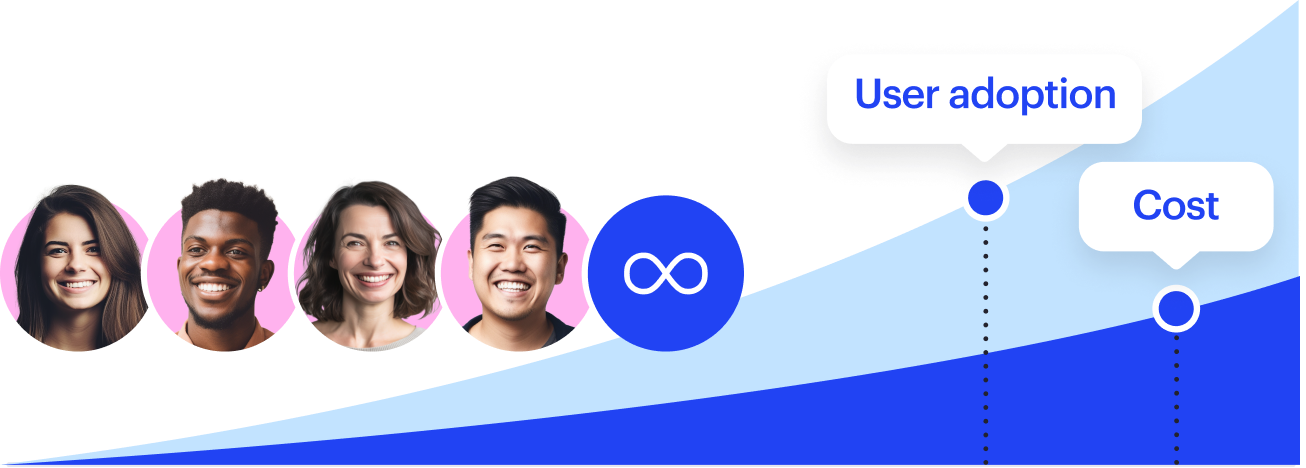
A portal rollout usually starts with a pilot in one department or a few teams. With unlimited seats, opening the portal to the rest of the company requires no additional user licenses: every employee can have access, and the company pays for translation volume.
As more teams start translating, administrators monitor usage per user in Intento Console and adjust the limits. If you run the pilot, you can plan the next step around the teams that need translation, without counting licenses.
In short
- An enterprise translation portal is part of company infrastructure and the employee experience, so it has to fit sign-in, branding, security rules, the approved AI solutions, file handling, and the budget.
- An approved place to translate: in a June 2026 PagerDuty survey of 1,250 office professionals at companies with $500M+ in revenue, 88% had shared work-related information with public AI tools. Intento Translation Portal keeps translation under company single sign-on and “no share, no use, no trace” data terms.
- Restricted content, partners, and subsidiaries: the portal serves employees who aren’t authorized to use open-ended AI assistants for some content, as well as partners and subsidiaries without access to company AI assistants.
- Configuration in the standard portal covers options such as single sign-on, the data center, allowed AI solutions and language pairs, and usage limits.
- Customization covers options such as a company web address and branding, IP allowlisting, hidden engines, company language lists, and requests for human translation in the company TMS. Intento hosts and maintains customizations.
- Customers: more than 20 enterprises use the portal today.
- Seats: unlimited. Every employee can have access, and the company pays for translation volume.
- Languages and files: 650+ languages and dialects. Office files, PDFs, scans, and subtitles, with PDFs and images returned as editable Word documents.
Intento Translation Portal is available now
The Intento Translation Portal page lists every configuration and customization option, the supported file formats, and the sign-in and deployment options. To see the portal with your own documents and language requirements, book a demo.

